


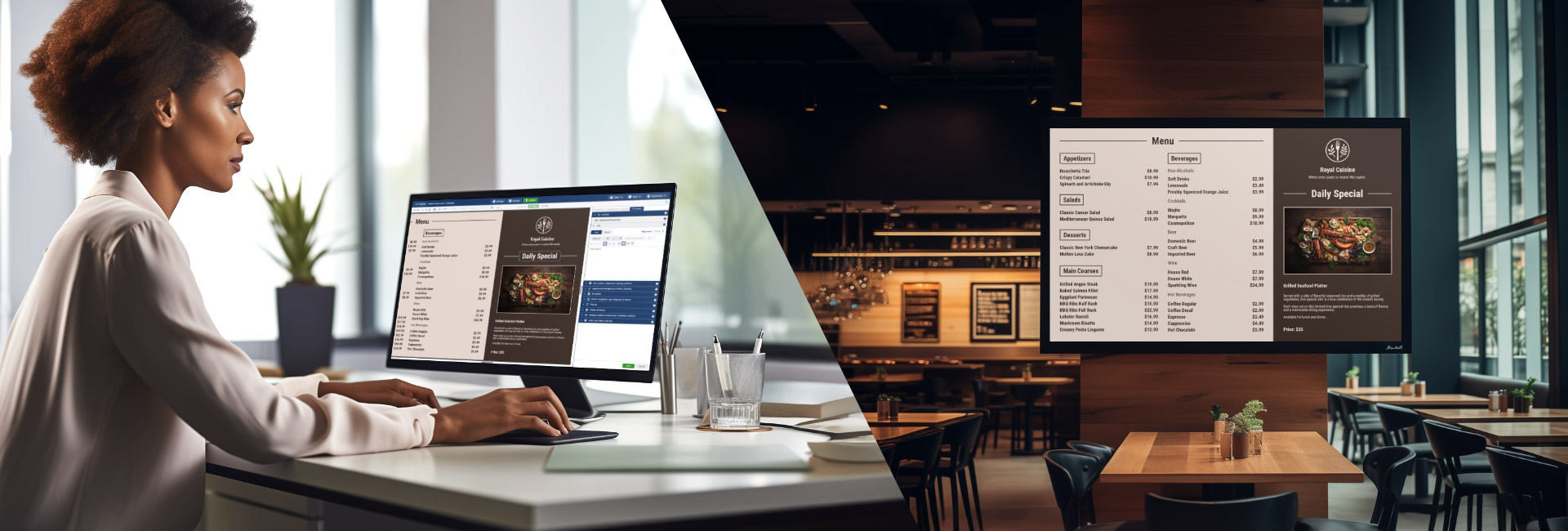
Endless design options for Kiosk Devices
SiteKiosk Online offers user-friendly content management system for creating interactive displays on Windows and Android devices, including tablets, kiosks, and PCs. Use it for digital signage, POS systems, self-service terminals, advertising screens, employee HR terminals, and information displays.
Powerful Content Management System
SiteKiosk Online is your versatile solution for creating, scheduling, and optimizing interactive displays across a range of devices. It offers an intuitive platform for dynamic content control.
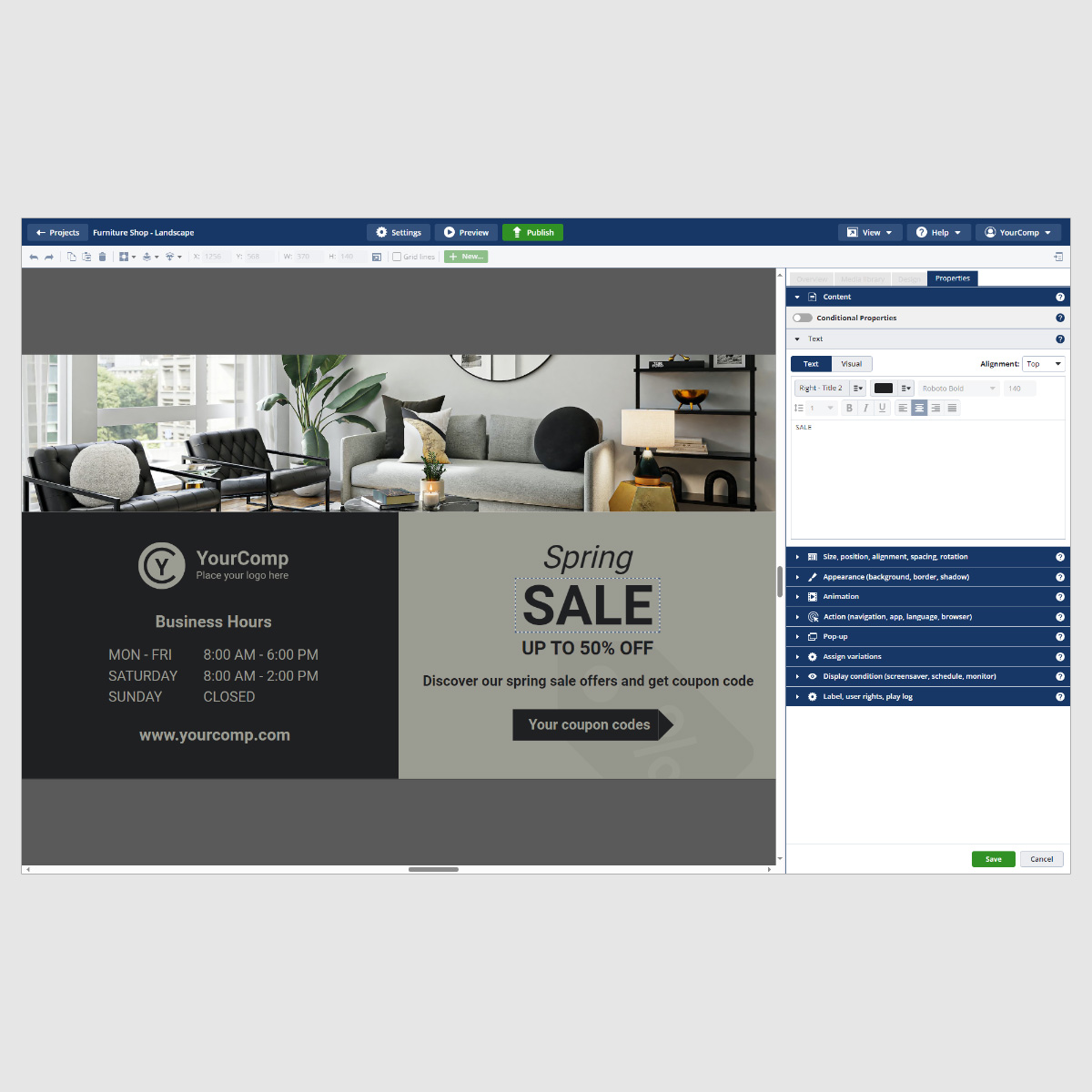
User-Friendly Interface
With its intuitive design, users can easily navigate the platform, making it accessible for individuals with varying levels of technical expertise.
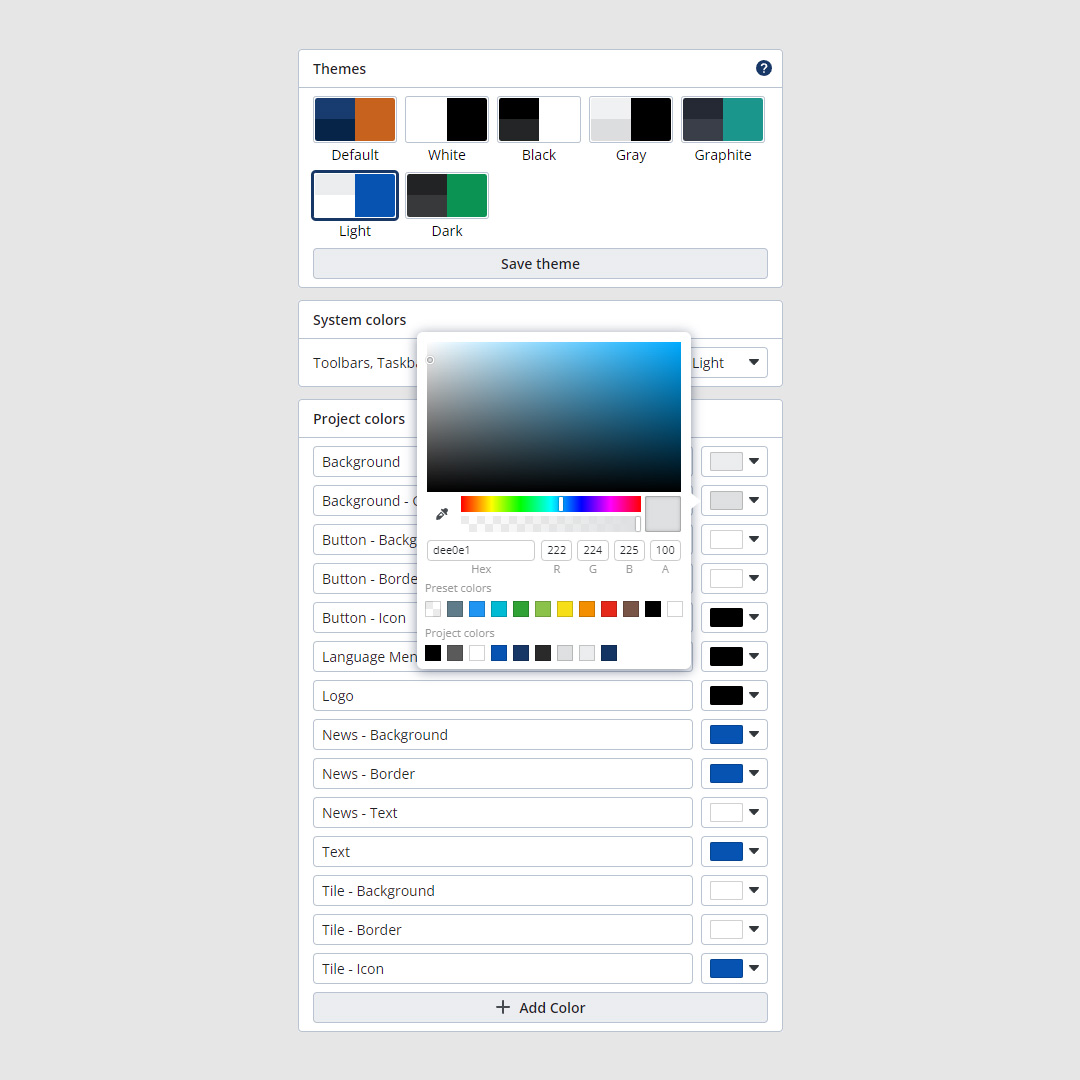
Interactive Templates
SiteKiosk Online offers a powerful feature in the form of interactive templates. These provide users with a dynamic and customizable framework for designing and presenting content across various devices.
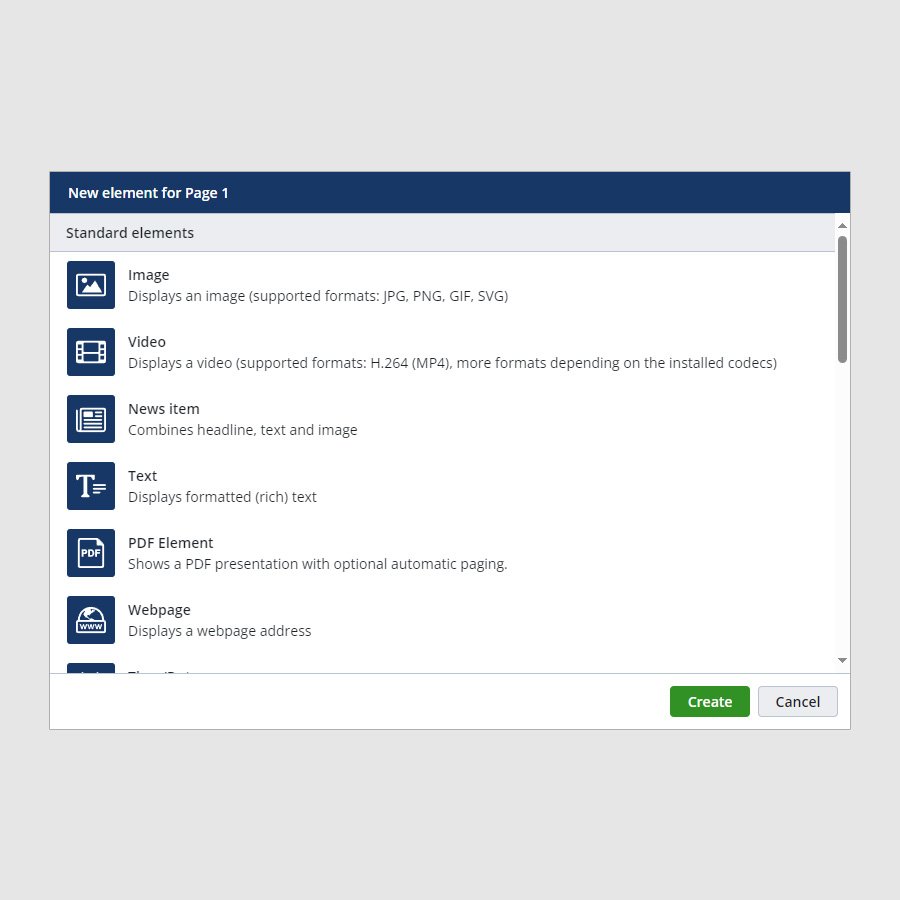
Multimedia Support
Its versatile multimedia capabilities enable you to engage your audience with a rich variety of media, making it ideal for applications like digital signage, self-service terminals, and more.

Content Scheduling
You can plan and automate when your content is displayed, ensuring that your audience always receives up-to-date and relevant information.

External Sensors and Devices
SiteKiosk Online offers seamless integration with external sensors and devices, enhancing the versatility and functionality of your digital displays.

Multi-Language Support
Designed with global reach in mind, offering robust multi-language support. This feature ensures that you can effectively communicate with diverse audiences around the world.
Digital Signage Applications
Dive into the world of digital signage with SiteKiosk Online and discover its wide-ranging applications across industries.

Image
Supported formats include JPG, PNG, GIF, and SVG, allowing businesses to showcase vibrant visual content and create engaging digital displays.

Video
Effortlessly showcases videos in H.264 (MP4) format. It provides a dynamic way to engage your audience with stunning video content, making your displays come to life.

News
It empowers businesses to deliver compelling news updates and information in a visually engaging manner, enhancing communication with the audience.

Text
Text feature allows you to display formatted rich text, making it easy to convey information in an eye-catching and organized way.

Offers the convenience of presenting PDF files on your digital signage, complete with optional automatic paging.

Webpage
Easily integrate web content into your displays and up to date with real-time information and interactive elements.

RSS Feed
Providing a dynamic way to keep your audience informed with the latest updates and headlines on your digital signage displays.

Time/Date
Makes it easy to display the current time and date on your digital signage with this simple yet essential feature.

Weather
Offers the capability to display current weather conditions and forecasts for a specified location to your digital signage content.

Language
Allows you to cater to a diverse audience and ensures effective communication in multiple languages on your digital signage displays.

Button
Enhance interactivity and engagement on your digital signage displays by customizing actions to meet your business or informational needs.

Auto Actions
Auto Actions that automatically triggers preset actions, such as launching a program or application, when needed.

Elevate Your Content with Style
Whether for advertising or communication, SiteKiosk Online template designs with themes enhance the overall impact of your digital signage content.
Discover More Show Features
Explore additional capabilities and functionalities within SiteKiosk Online to get the most out of your digital signage and content management experience.
-
Media Library Organize digital assets.
-
Content Tagging Organize content with tags.
-
Real-Time Updates Instant content changes.
-
Content Expiry Automatically remove outdated content.
-
Mobile Device Control Manage screens on-the-go.
-
Content Duplication Quickly replicate content.

Content Management
-
Touchscreen Support Interactive screen engagement.
-
Geo-Targeting Location-specific content.
-
Video Wall Support Create impactful displays.
-
Image Slideshow Dynamic visual storytelling.
-
Multi-Zone Layouts Display different content.
-
Content Widgets Embed custom data.

Interactive Features
-
Custom CSS Support Customize content appearance.
-
User Notifications Receive system alerts.
-
Event Triggering Automate content changes.
-
RSS Feed Integration Include dynamic content.
-
Custom Scripting Extend functionality with scripting.
-
Offline Playback Seamless during network disruptions.

Advanced Features
-
User Roles and Permissions Control access levels.
-
Centralized Control Panel Overview of your network.
-
Privacy Controls Manage user data and permissions.
-
Secure Authentication Protect access to content.
-
Data Encryption Secure content transmission.
-
Secure APIs Ensure secure connections.

Security and Access Control
SiteKiosk Online vs. Competitors
SiteKiosk Online offers a comprehensive and user-friendly solution with a wide range of features that make it a superior choice when compared to competitors.

SiteKiosk Online

Competitors
User-Friendly Interface
User-Friendly Interface

Easy content management for all users.

May have a steeper learning curve
Interactive Templates
Interactive Templates
Dynamic content creation
Limited or no interactive template
Remote Management
Remote Management
Real-time remote updates
Limited or less user-friendly remote management
Security Features
Security Features
Secure authentication and encryption
Less extensive security measures
External Sensors and Device Integration
External Sensors and Device Integration
Seamless integration
Limited or no support
Choose the Product Option That Fits Your Project
We have the right solution for every environment.
SiteKiosk Online
Cloud
Full SiteKiosk feature set with Protect + Manage + Show, including free support, updates and upgrades.
Buy nowAnnual subscription

SiteKiosk Online
On-Premise Server
Full SiteKiosk functionality on your network. Allows you to install and operate your own SiteKiosk server including SiteKiosk clients.
Contact usAnnual subscription
Need help making a choice?
Product Brochure
Detailed information about Sitekiosk can be found in our product brochure.
Contact
You have questions about SiteKiosk's features? We are happy to help you and also realize individual projects with complex requirements. Get in touch with us!

