
SiteKiosk: Bug Fix for critical error
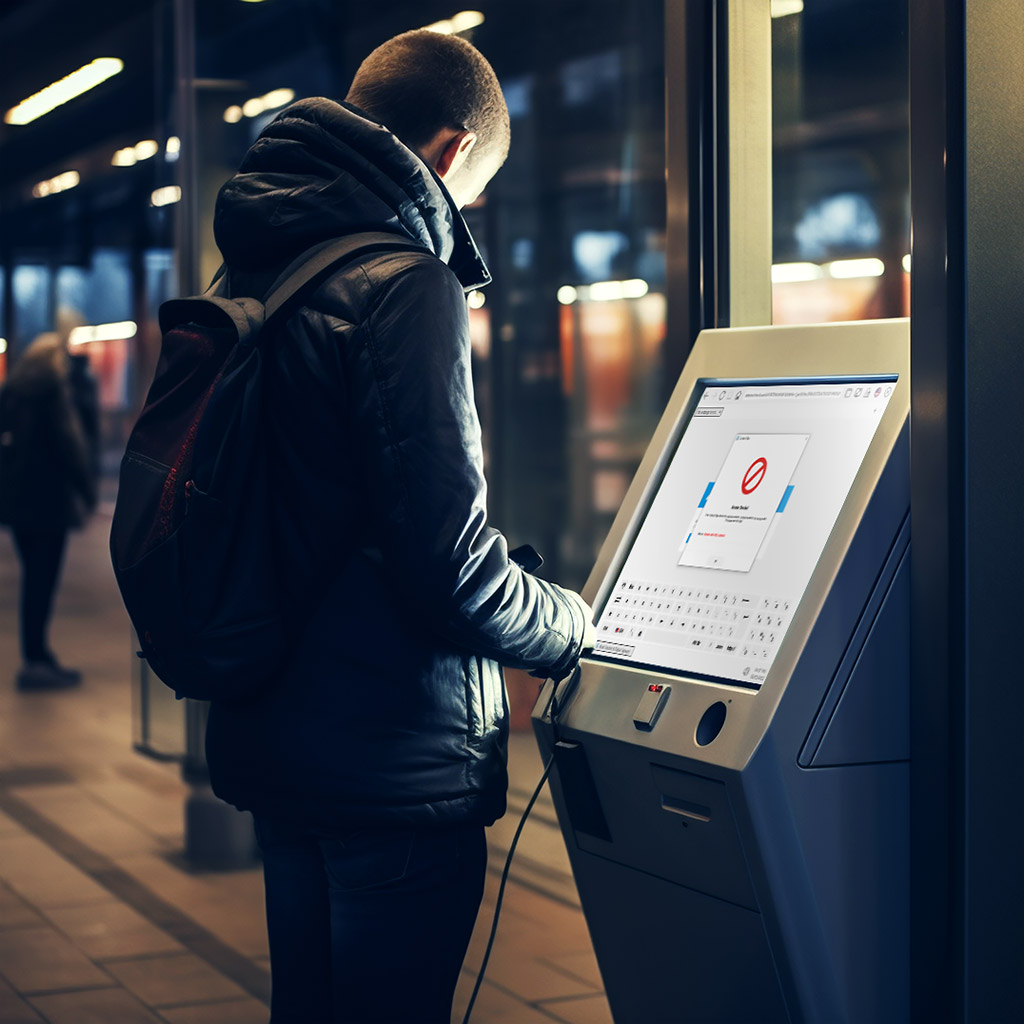
On kiosk machines with SiteKiosk versions earlier than 8.7 under Windows 7, the system will in most cases become unusable after Internet Explorer 10 is installed. The affected SiteKiosk versions are 7.1 - 8.6. Any Windows 7 computers that have automatic updates enabled will be affected because Internet Explorer 10 is installed automatically as part of Windows updates.

All software resellers are strongly encouraged to forward this information to the operators of the kiosks. PROVISIO has no information about the end user and therefore cannot directly inform them!

Additional information...

SiteKiosk 8

Protect your public PCs and prevent user access to the operating system

These companies trust PROVISIO

All References
  • ´Coca Cola
  • Mc Donalds
  • eBay
  • IKEA
  • Lego Systems A/S
  • Harly Davidson
  • NASA Johnson Space Center
  • NHL
  • UPS
  • CNN
  • NBC
  • Harvard University
  • FIFA
  • LOT Polish Airlines
  • Heineken
  • Fiat Automobil AG
  • Burger King
  • Hilton Hotels
  • The Norwegian Nobel Institute
  • KLM Royal Dutch Airlines
  • EMI
  • ESSO
  • Dyson
  • Virgin Atlantic Airways Ltd
  • British Royal Mail
  • BBC
Download
Buy now
PDF
Product Brochure
Product video
Watch Video
SiteKiosk Example

Applications for different industries

SiteKiosk Secure Browser

Secure Browser

SiteKiosk Configuration

Configuration

SiteKiosk Object Model Scripting

Software Customization

SiteKiosk Optional

Remote Maintenance &
Digital Signage

Security for public access computers

SiteKiosk locks down your public computers and protects the operating system / system-critical folders against any kind of unwanted user manipulation. You can also configure which websites, programs and folders the user has access to. See feature list below.

Enhancements of the latest version

Windows 8 SupportNEW

SiteKiosk 8.7 supports Windows 8 and Internet Explorer 10. Windows RT is not supported.

SiteKiosk now supports Skype video calls. The scope of use includes video support, consulting/support terminals and virtual concierge for the hotel industry.

Important features

The SiteKiosk configuration tool will guide you through every step of the configuration. No programming skills required.

A session will be terminated automatically after a specified idle time. All browser and application windows will be closed, all user traces will be deleted (history, cookies, and cache), and the SiteKiosk browser returns to the Start Page.

The content filter identifies websites that may contain inappropriate content in real time and blocks them accordingly. More ...

The browser interface can be customized to meet your individual requirements since it is based on open source web technologies. More ...

SiteKiosk provides a great selection of on-screen keyboards which can also be displayed or hidden for certain URLs or automatically appear when text input is required. More ...

The surfing area allows you to define which domains/URLs the user is allowed to access. You can, for instance, restrict the user's access to the Internet domains of your company or organization.

With the fullscreen mode feature, you can either show all URLs or only the ones you have selected in fullscreen mode.

SiteKiosk allows you to charge for using the computer. A variety of cash acceptors, credit card readers and credit card gateways are supported. More ...

Optional SiteKiosk features requiring a SiteRemote account:

With SiteRemote, you can distribute multimedia content to your SiteKiosk machines from the server. Your content can be displayed during idle time as screen saver or in split-screen display mode with SiteKiosk. Additional charges apply for using SiteRemote. More ...

You can use the optional remote management tool SiteRemote to monitor, maintain and remotely control your kiosk computers online. Additional charges apply for using SiteRemote. More ...

Version and features comparison

Quality

To provide the best quality, SiteKiosk has undergone continuous improvement through development for over 10 years..

Worldwide Leader

Leading kiosk software with the highest number of installations worldwide.

Patented Technology

SiteKiosk is licensed under US patent numbers 6078848 and 5761071.

Basic

Version

149.00

Plus

Version

200.00

Pay

Version

260.00

12 months free updates

The SiteKiosk configuration tool will guide you through every step of the configuration. No programming skills required.

Configuration tool

Access to the operating system and the browser is prevented. Your system will, therefore, be protected against any kind of tampering as soon as the boot process starts.

OS & Browser lockdown

Ensures that SiteKiosk will always automatically start up using the correct parameters and the Windows desktop shell will be replaced with a special SiteKiosk shell.

Auto start + Shell replacement

Set different shutdown or restart times for each day of the week.

Scheduled shutdown & restart

A session will be terminated automatically after a specified idle time. All browser and application windows will be closed, all user traces will be deleted (history, cookies, and cache), and the SiteKiosk browser returns to the Start Page.

Session reset after idle time

Automatically restarts the SiteKiosk application within seconds in the event of a program crash.

Watchdog

Define individual access rights for every file and folder.

Folder/file access management

With the fullscreen mode feature, you can either show all URLs or only the ones you have selected in fullscreen mode.

Display in fullscreen mode

SiteKiosk and SiteRemote allow you to log user activity following the URLs you specify.

Heatmap

Remote maintenance

Digital Signage

SiteKiosk includes many different browser skins and each can be modified to meet your requirements.

Large selection of browser skins

Customizable user interface

Clicking the logout button or automatic screensaver activation will reset SiteKiosk. All open windows will be closed, the start page will be displayed, and the history will be cleared

Logout (Clear history)

Set any page as the Start Page or select one of the included Start Page templates.

Start page templates

Define which domains/URLs users are allowed to access, e.g. restrict users access to your company website.

URL access restricting

SiteKiosk can integrate any program and game and be set up to charge for the program’s usage.

Execute programs you specified

SiteKiosk supports different print modes: No print dialog box, IE print dialog box, and individual SiteKiosk print dialog box

Printing

Support of connected devices

You can display SiteKiosk and SiteCaster (Digital Signage) together on the main screen.

Split screen

Using parameters, install SiteKiosk without any user interaction via "Silent” or “Unattended” installation.

Silent installation

The configuration settings are saved to XML files, which allows for more flexibility in processing the information.

XML configuration file

Use the included "Keyboard Remapping" tool to re-assign any key of the physical keyboard to another key or function.

Remap keyboard layouts

Dialog boxes and windows can be monitored, intercepted, and blocked.

Dialog window blocking

For testing purposes, SiteKiosk can display a debug output window while the software is running to view the logging process in real time.

Debug output window

SiteKiosk will maintain log files to keep track of all activity.

Log files

SiteKiosk features pop-up blocking support.

Pop-up blocker

All language elements of SiteKiosk (except the configuration) are stored in corresponding XML files and can be altered or expanded using an editor. SiteKiosk ships with support for approx. 20 different languages.

Support of multiple languages

Provide users with access to a list pre-selected favorites links.

Favorites

Restricts and prohibit the downloading of files to the kiosk terminal

Download manager

SiteKiosk lets users access their Yahoo or MSN Web messenger Services. SiteKiosk can also integrate MSN Messenger as an authorized application.

Web messenger

View or copy files to other media using SiteKiosk's integrated file manager.

File manager

Use SiteKiosk’s CD burning capabilities to burn information to a CD.

CD burning

On-screen keyboard

Video & photo email

Internet content filter

VoIP video and voice conferencing

Print station with PrinterOn

Payment device support

Internet cafe billing (SiteCafe)

Charging for PC usage

Which SiteKiosk version is right for you?


System requirements

Operating system

Windows 8 32/64bit, Windows 7 32/64bit, Windows Vista, Windows XP SP 3, POSReady 2009, Embedded POSReady 7, Embedded Standard 7, Terminal Services. Note: Windows RT is not supported.

Browser

Internet Explorer 8 or higher

Processor

Intel or AMD x86 CPU with > 1 GHz (2.0 GHz or faster recommended)

Memory

512 MB RAM (1 GB recommended)

File system

New Technology File System (NTFS)

Screen resolution

for resolutions of 1,024 x 768 px and higher at a color depth of 32 bits

Just a few steps and you are done

1. Download & Install

Download the free trial version now.

Windows 8, 7, Vista,
XP, PosReady

Download

Create a configuration with the configuration tool.

Start SiteKiosk. Your public access computer will be safeguarded against any kind of user manipulation.

Refer to our version history for detailed release information (New features & bug fixes).

SiteKiosk Example

Secure Browser

SiteKiosk Secure Browser

Configuration

SiteKiosk Configuration

Surfing area

SiteKiosk Object Model Scripting

Screensaver

SiteKiosk Optional

Internet Content Filter

Security for Tablets in public places

Tablets are increasingly used for public deployments because they are inexpensive and compact. It is important to restrict access and protect the operating system. SiteKiosk Android is the perfect software solution for any situation where your tablets will operate in public without supervision.

Enhancements of the latest version

Use SiteRemote to set up multimedia content campaigns and distribute them online. The campaigns can also be displayed as a screen saver. More ...

You can use the optional remote management tool to monitor, maintain and remotely control your kiosk tablets online. Find out more about the extensive capabilities of SiteRemote. More ...

Important features

SiteKiosk comes with a straightforward configuration tool which is optimized for the touch screen controls of your table device. This allows you to make any adjustments directly on your mobile device and see the effects right away.

SiteKiosk Android protects your operating system and, in particular, your system settings from any type of unauthorized access. The included software watchdog ensures that your browser will remain functional at all times.

Users can have their sessions terminated automatically after a specified period of idle time. This option will reset the browser to its original state and wipe any tracers left behind by the user including history, cookies, and the cache.

The surfing area allows you to define which domains/URLs the user is allowed to access. You can, for instance, restrict the user's access to the Internet domains of your company or organization.

The content filter identifies websites that may contain inappropriate content in real time and blocks them accordingly.

The screensaver allows you to use your terminals for displaying advertising content during times when they are not in use. Use SiteKiosk Player to set up a schedule in accordance with which your various content will be displayed.

Customizable user interface

The browser interface can be customized to meet your individual requirements since it is based on open source web technologies.

SiteKiosk ships with a browser skin and a full screen skin. You can specify that full screen mode be enabled for specific URLs only.

SiteKiosk allows you to use Android touchscreen keyboards.

SiteKiosk will maintain log files to keep track of all activity.

Just a few steps and you are done

1. Download & Install

Download the free trial version now.

Android 4.x
Quick Start Guide

Free Download

Create a configuration with the configuration tool.

Start SiteKiosk. Your public access computer will be safeguarded against any kind of user manipulation.


System requirements

Operating system

Android 4.x (Ice Cream Sandwich/Jelly Bean)

Memory

1 GB RAM (recommended)

Processor

1 GHz Dual-Core Processor (recommended)

Refer to our version history for detailed release information (New features & bug fixes).

© 1996-2013 PROVISIO. All rights reserved. Legal Contact T&Cs Privacy Notice